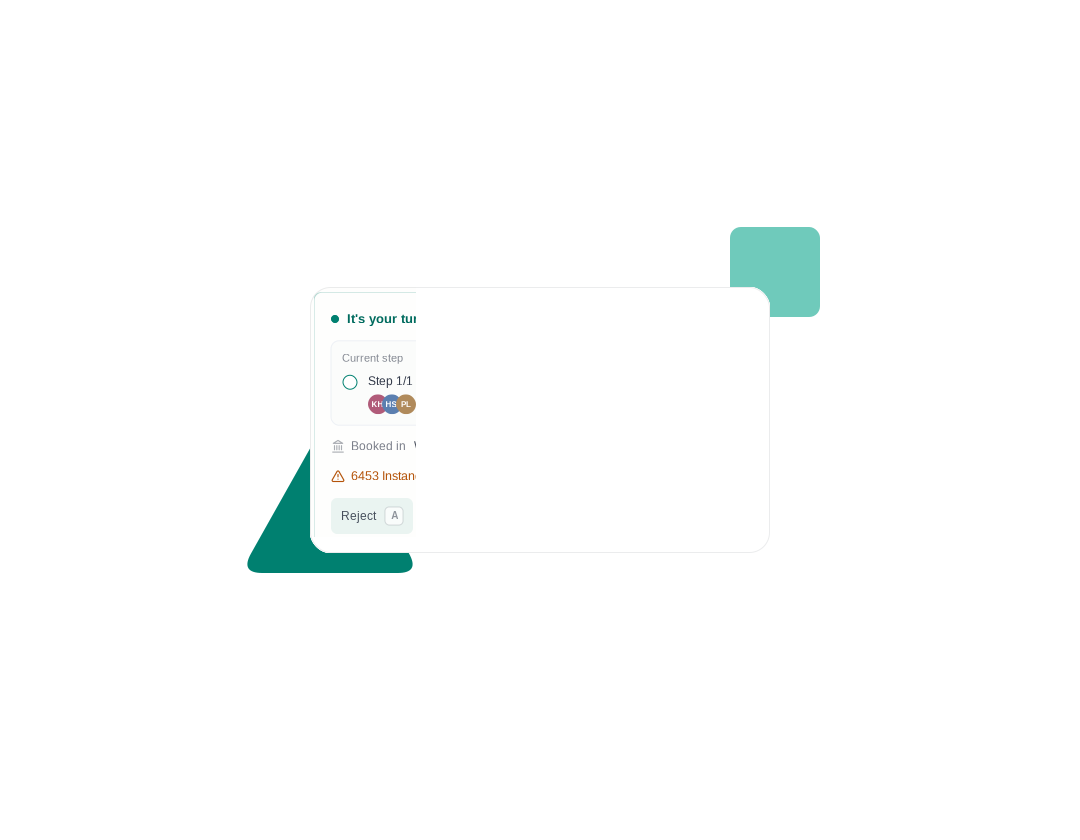
Invoice approval, without paper slips and stamps
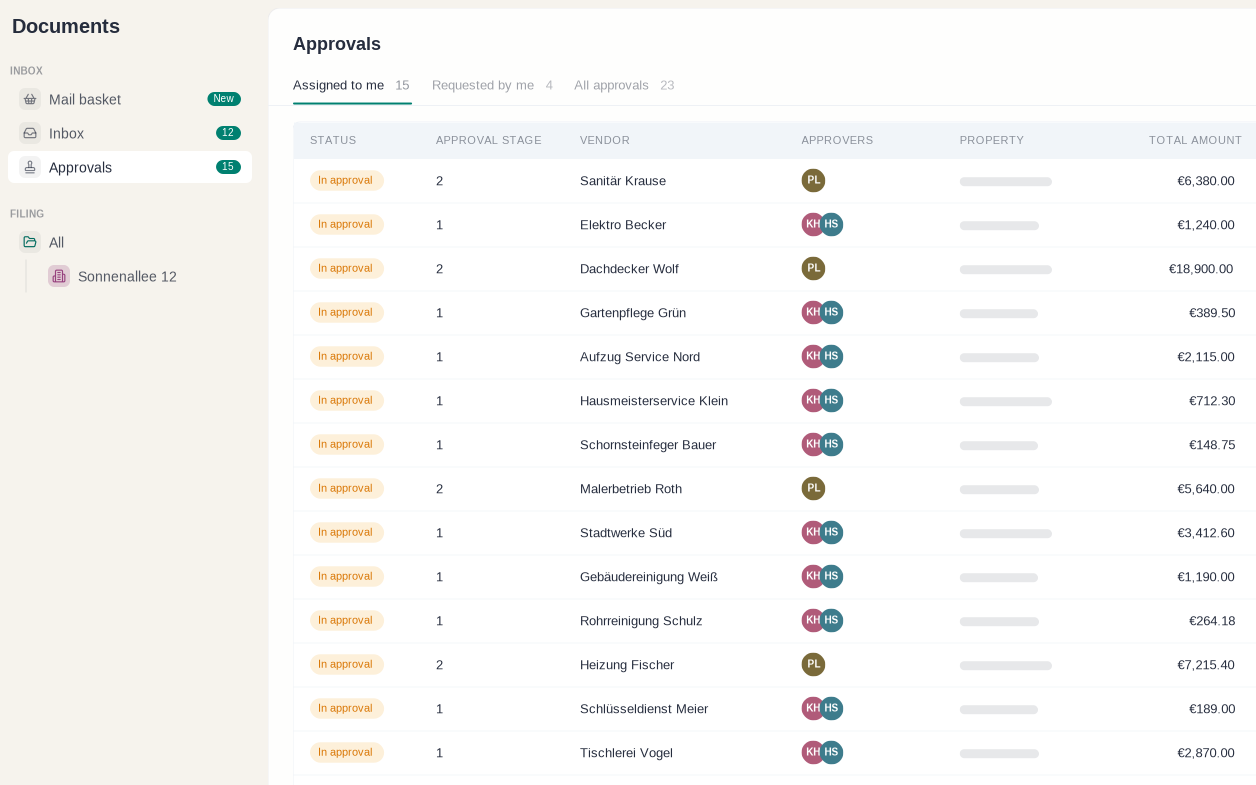
With Hausverwalter.ai invoice approval every invoice goes through the same steps and then on to your accounting by itself, even if you keep your software.
- GDPR-compliant
- All data stays in the EU
- Built in Germany
- Audit-proof filing
- GoBD-compliant workflows possible
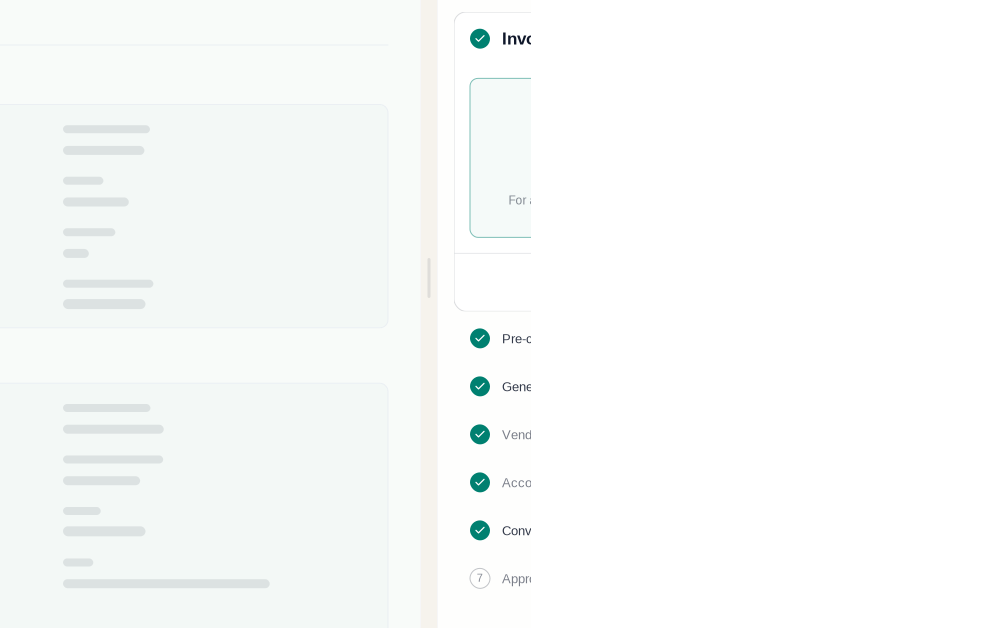
Every invoice takes the same path
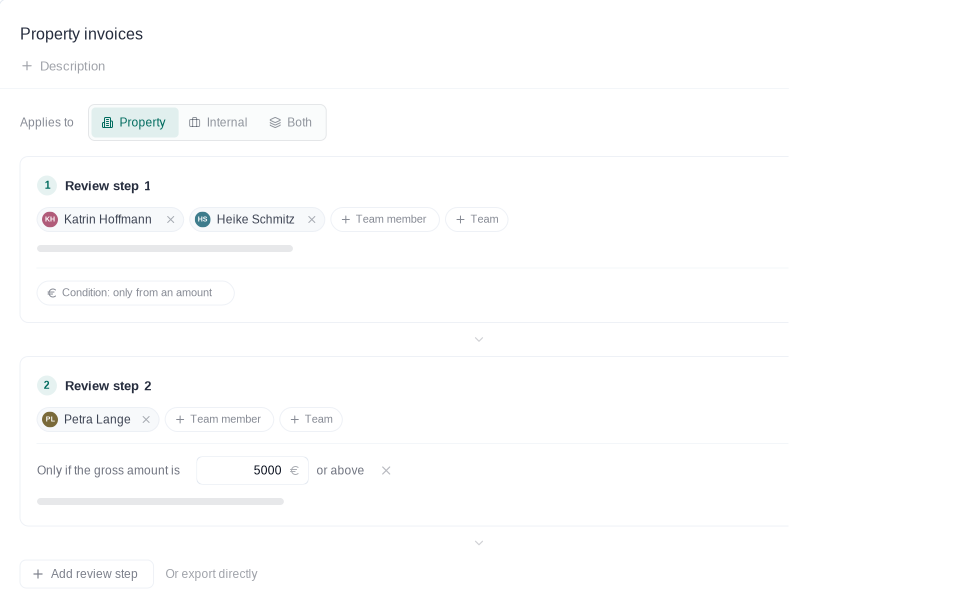
Approval flows
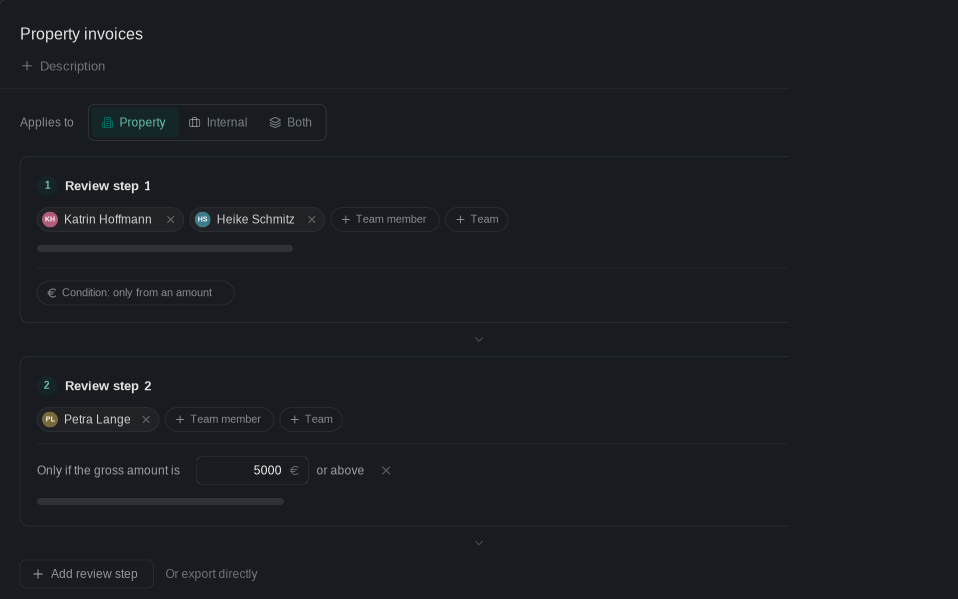
Set once who checks. From €5,000, management joins in.
Approving
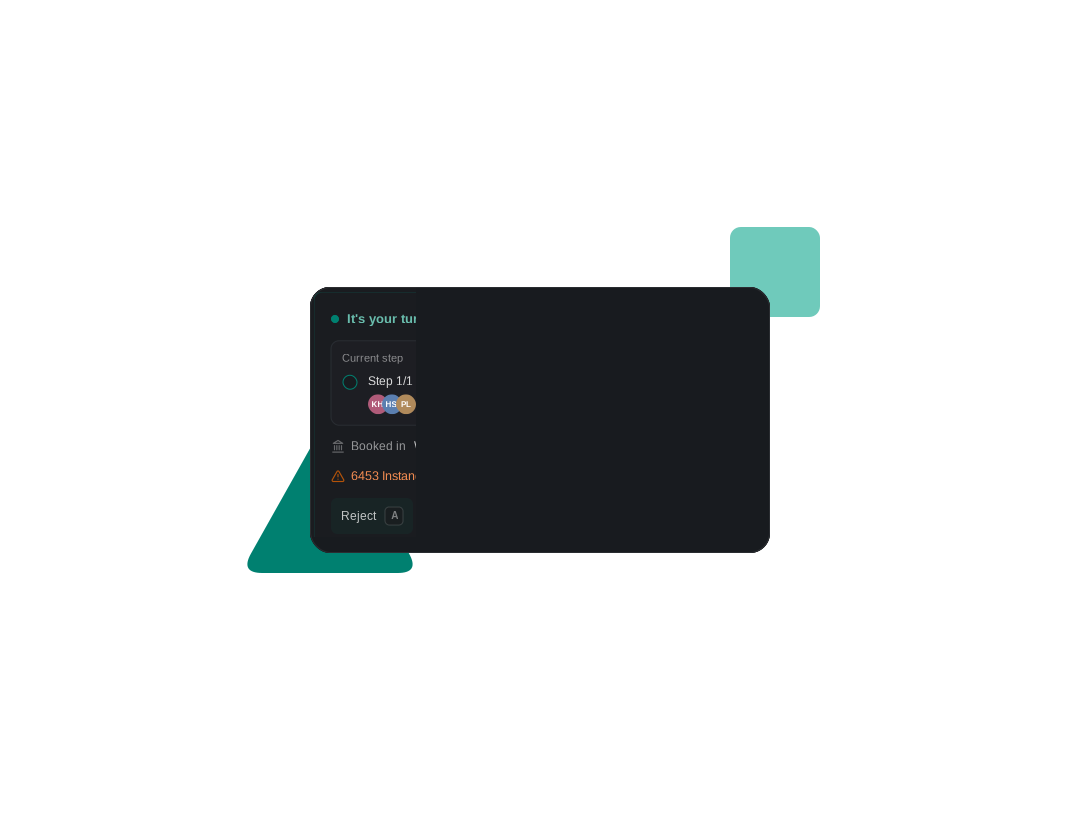
Whoever's turn it is gets notified and approves with one click.
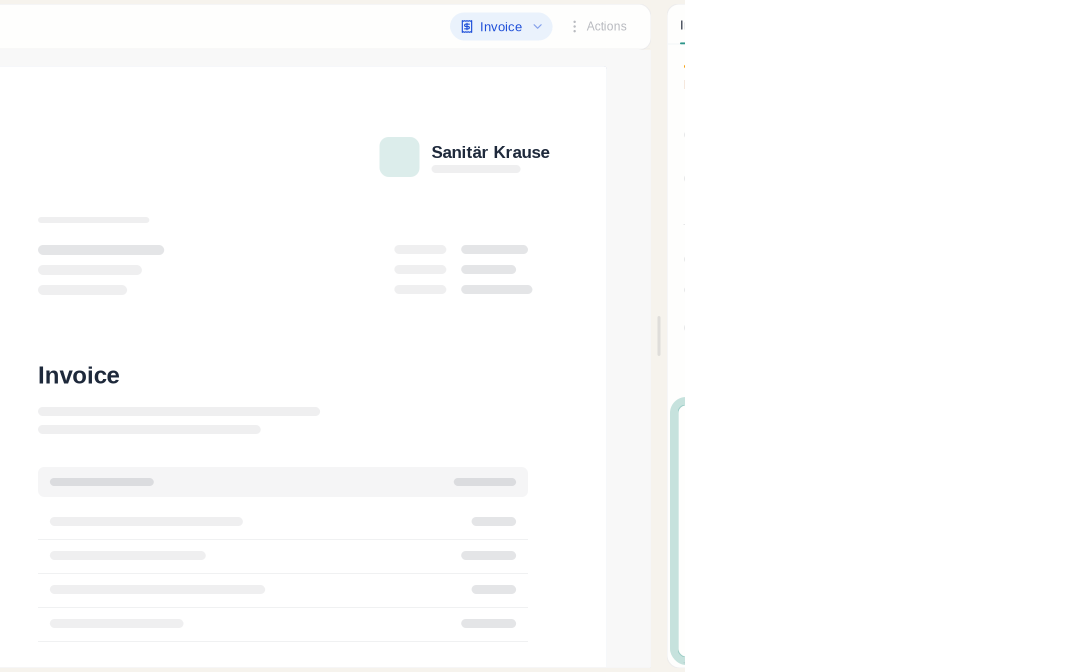
Questions to the team
Ask right on the invoice. Use @ to bring in colleagues, no group email needed.


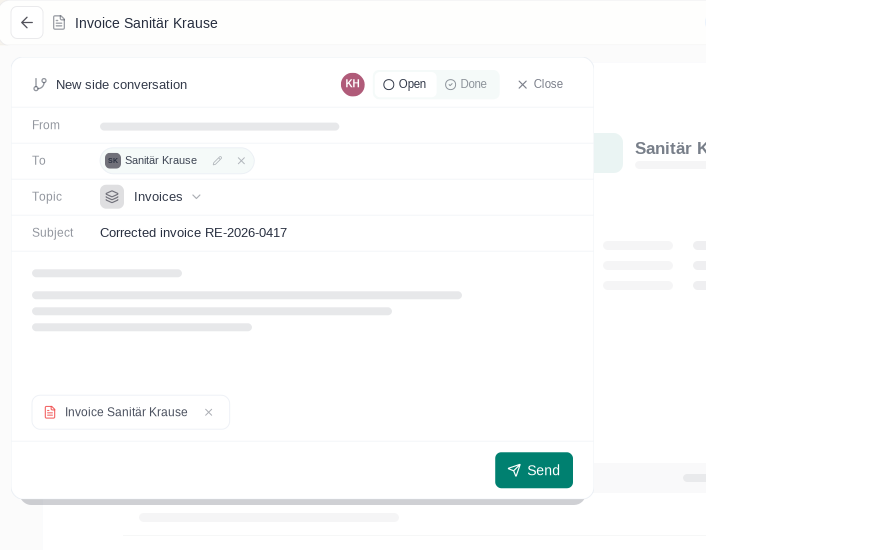
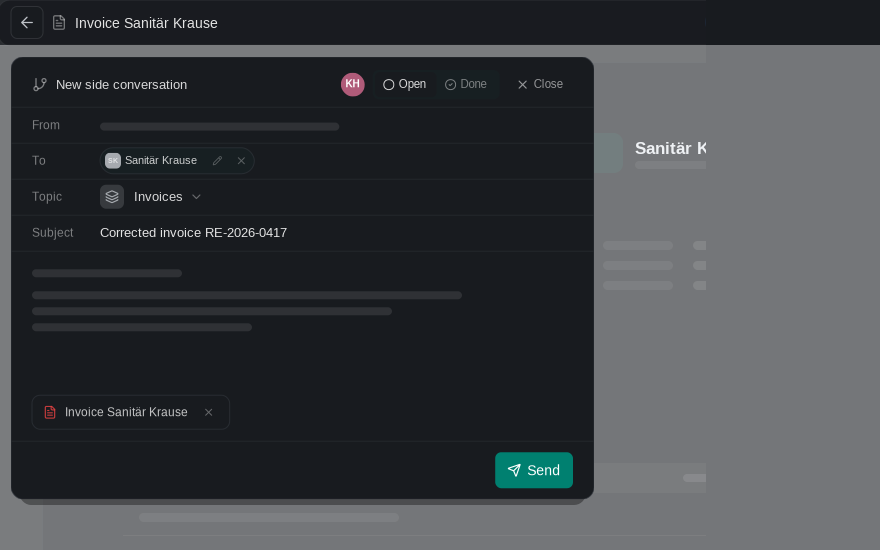
Side conversations
Something missing? Write to the contractor straight from the invoice. The reply lands on the document.
Property or internal
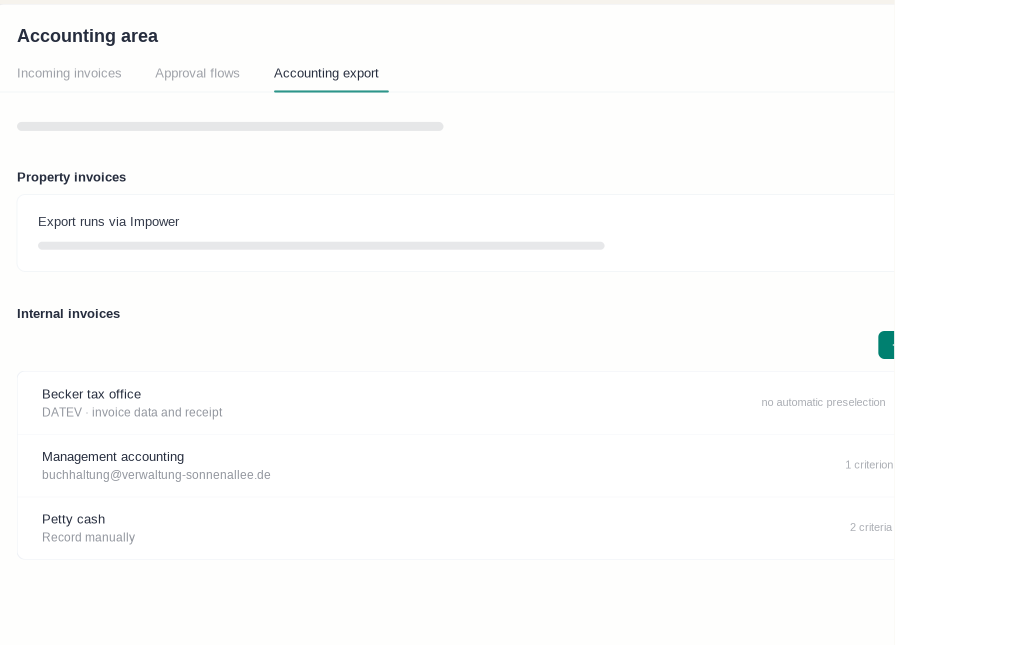
The contractor's invoice for the stairwell goes to property accounting, the office software to your tax advisor.
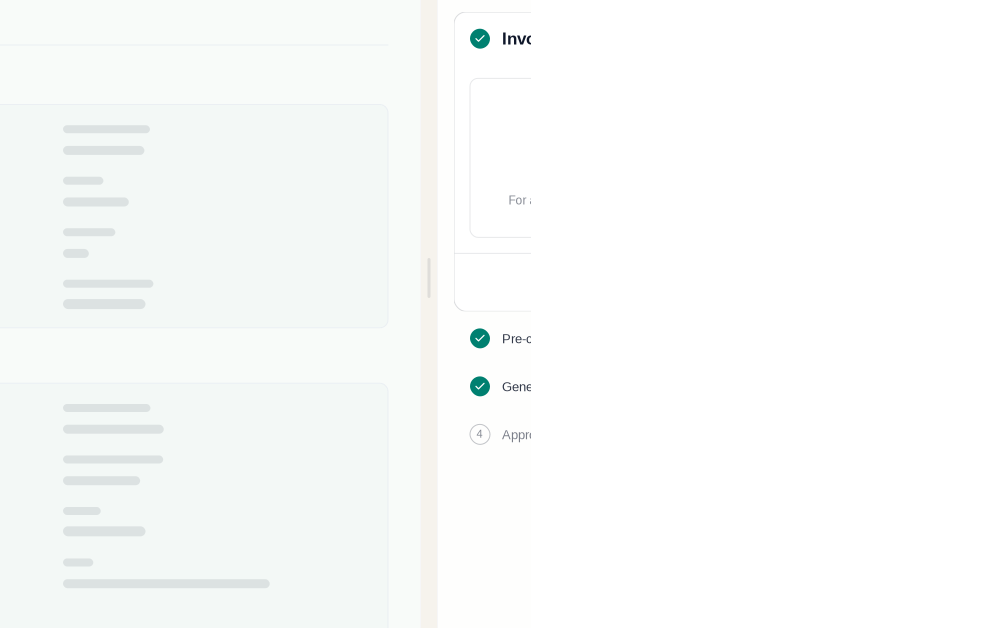
Export
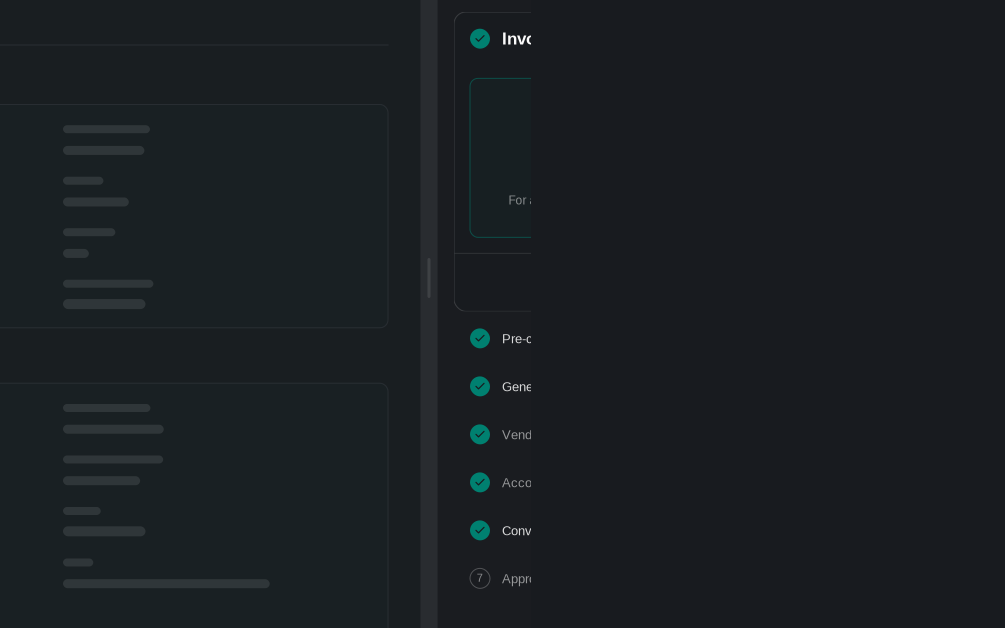
After the last approval, the invoice goes to Impower or by email to accounting by itself. Internal invoices also go to DATEV.
What you never have to do again
Carry invoices with a stamp around the office
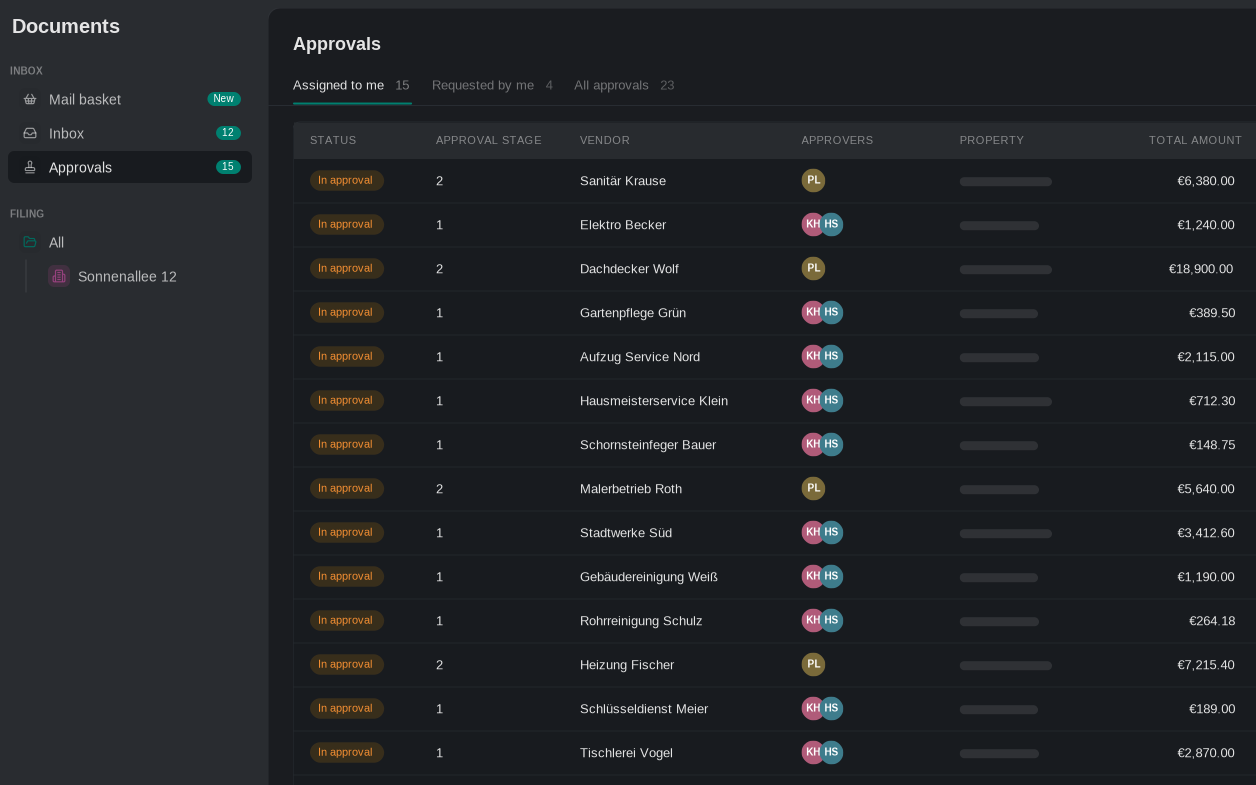
Every invoice runs through its approval flow.
Ask who has the invoice
You see right away whose turn it is.
Type up invoices
AI reads number, amount and supplier.
Pay duplicate invoices
The pre-check finds duplicates before approval.
Common questions
How do I decide who approves?
You set up an approval flow once. Each step gets employees or a team, and with a condition a step only applies from a certain amount.
Where does the invoice go after approval?
Automatically to its export destination: by email to your accounting or to Impower, internal invoices also to DATEV. If you book in Hausverwalter.ai, it is booked right away.
Do I need the Hausverwalter.ai Accounting for this?
No. Invoice approval also works if you don't use the Accounting itself.
Does the software detect duplicate invoices?
Yes. The invoice agent reads the invoice and finds duplicates and missing mandatory details, and as long as flags are open, the invoice doesn't go into approval.
See how much easier it can be
In a personal demo call we'll show you Hausverwalter.ai in your own day-to-day work.
Book a no-obligation demo call